What do you need help with?
-
Overview and settings
-
Forms
- Manuals will be coming soon.
-
Management of applications
-
Evaluation and approval
-
Contracts and other documents
-
Exports
-
Participatory budget
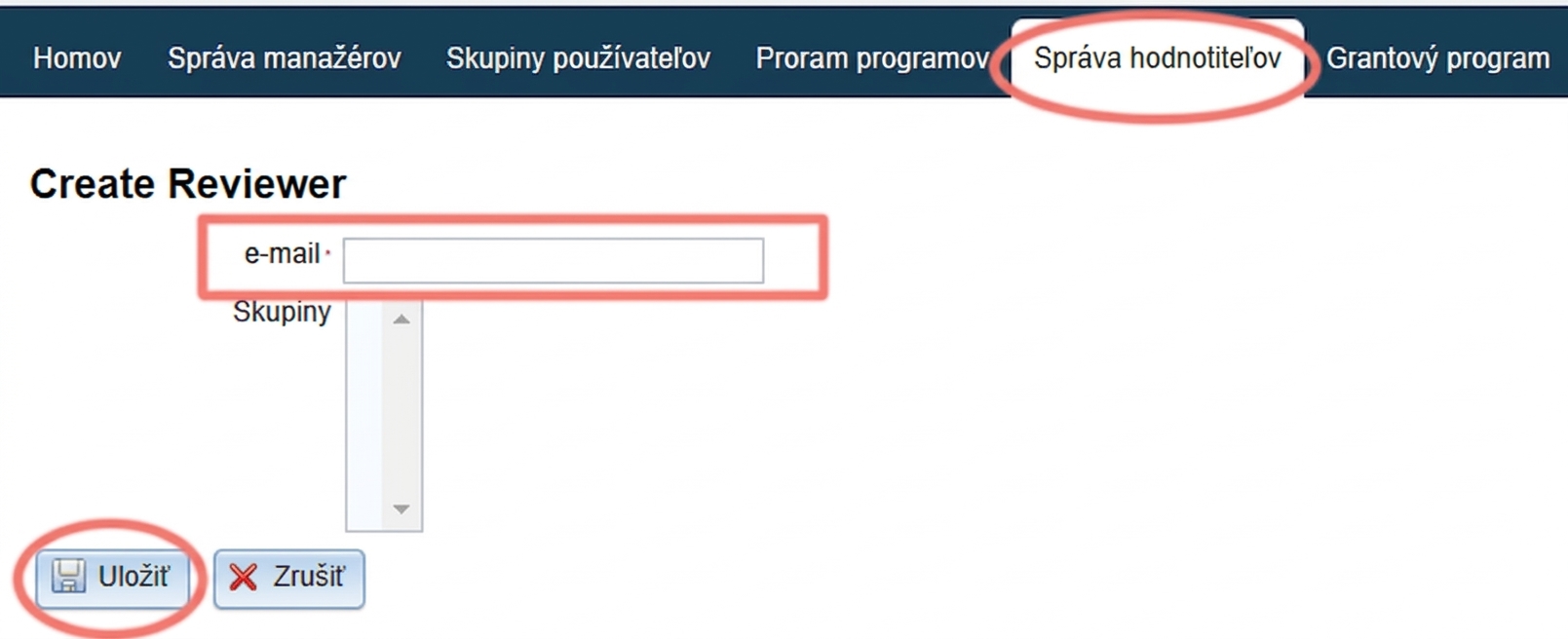
You can create access for a new evaluator or edit access for existing ones in the „Evaluator Management“ tab in the main menu at the organisation level.
3 Completing the registration
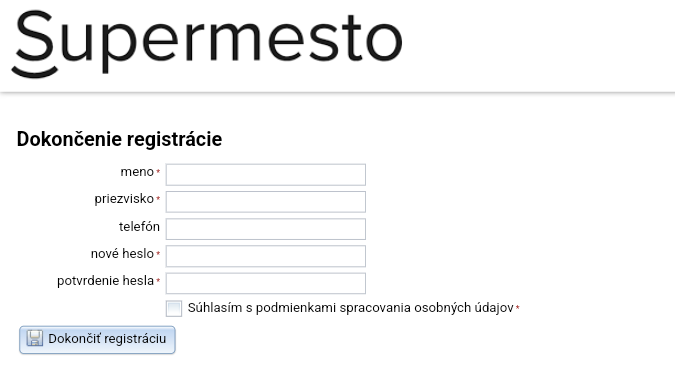
A the email with a link to complete the registration was sent to the email you provided when creating the access notification at this moment.
After clicking this link, the evaluator fills in their name and creates a password, clicks the "Complete registration". They will then log in to the system using this email and password.
4 Edit evaluator
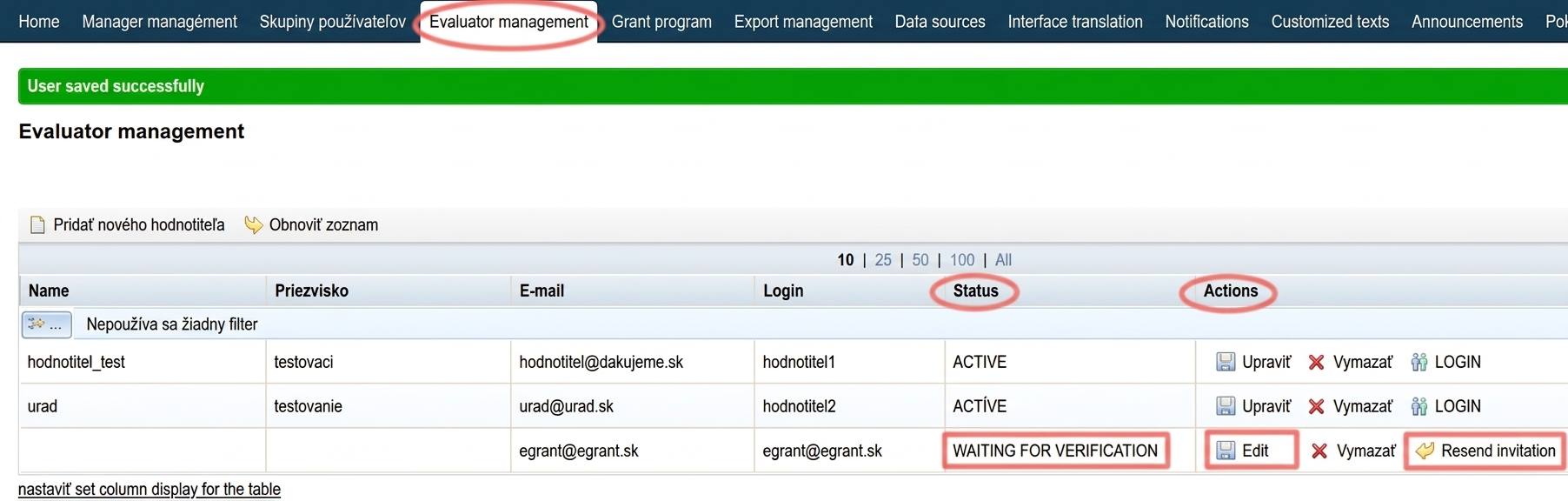
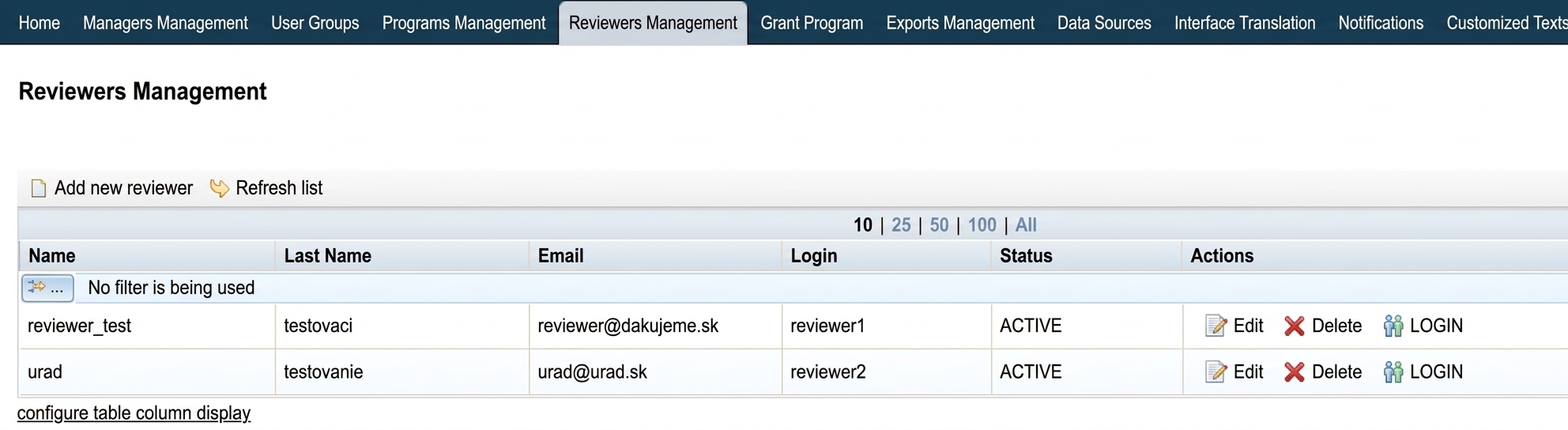
In the "Evaluator Management" tab in the main menu, you can see a list of all created access accounts.
In the "Status" column, you can also see whether the account is already active. "AWAITING VERIFICATION" means that the evaluator has not yet completed the registration.
In the "Actions" column, you can resend the invitation to complete the registration by clicking the "Resend invitation".
By clicking the "Edit" you can change their email (e.g. if you made an error in the email address).
You can then assign applications for evaluation to the created evaluators.