What do you need help with?
Public voting
-
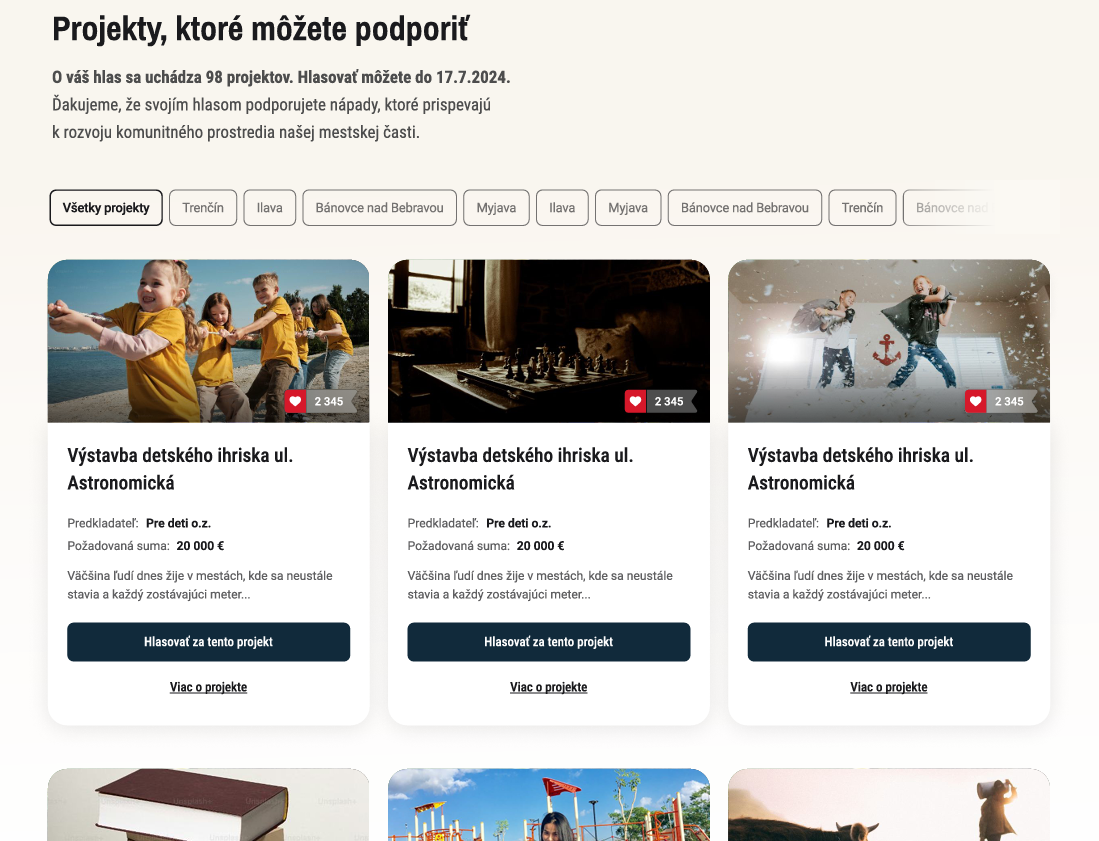
If you have created separate programmes e.g. for individual districts (or a separate programme for projects and another for assignments), voters can filter them by clicking the button of the specific programme (in this example, the district).
-
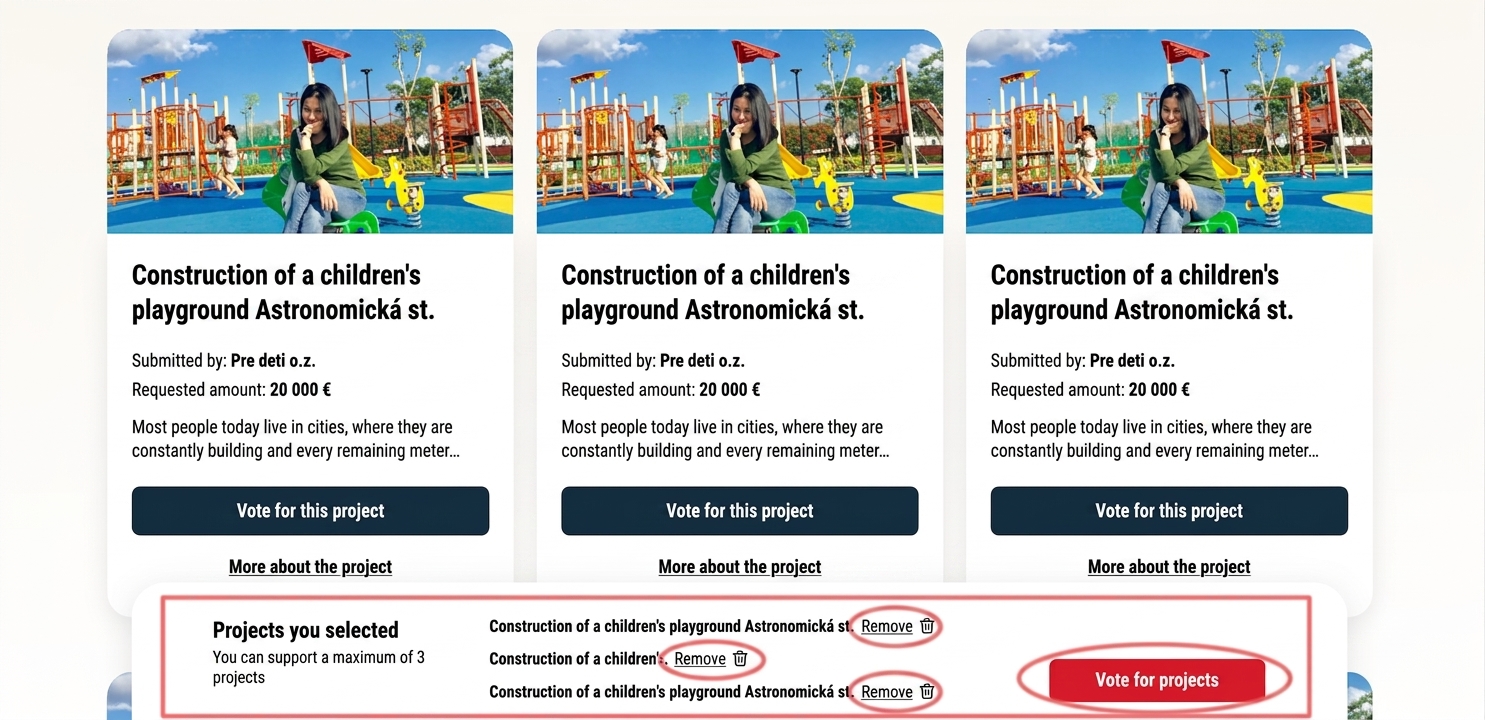
Further down the page, the voter will find a list of projects that you have moved to voting.
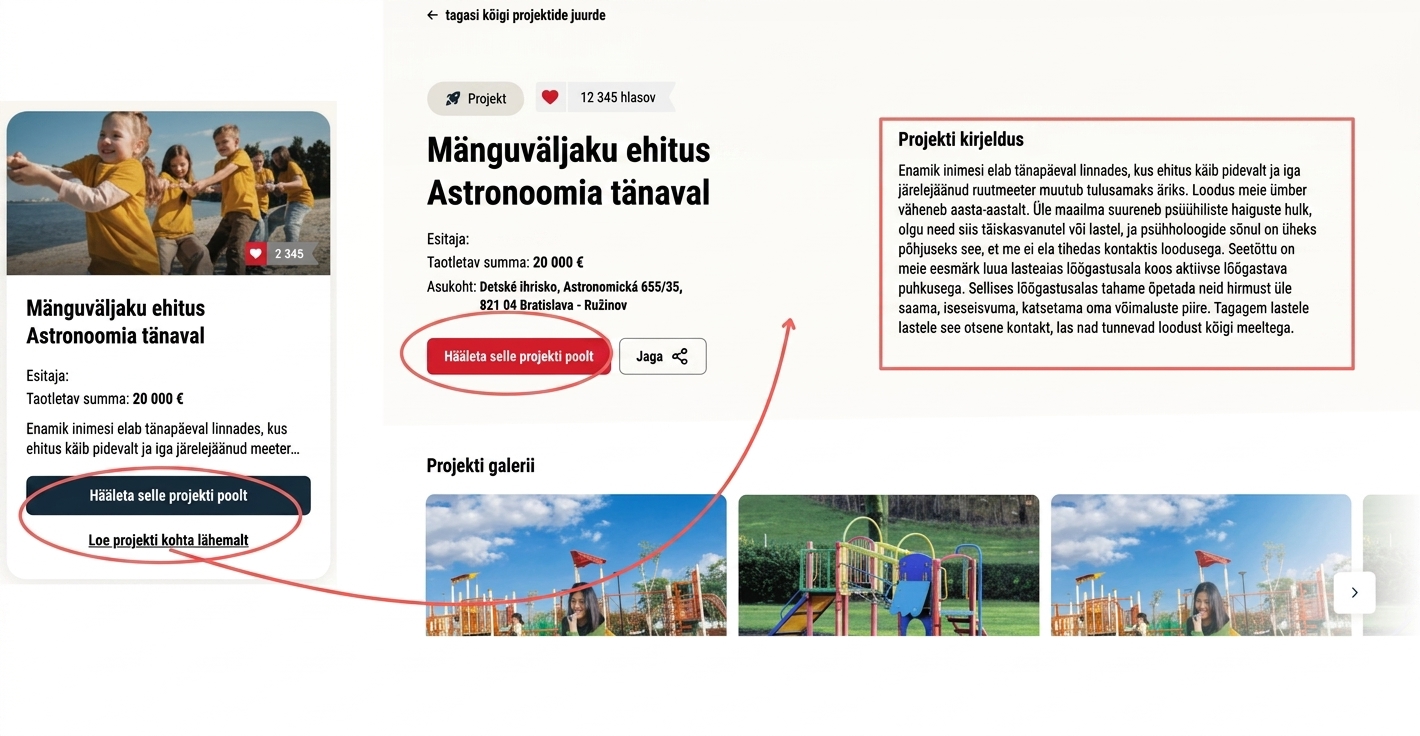
Each project is displayed with an illustrative image and basic information: project name, applicant name, requested amount, and optionally the location.
This information and image are pulled from the application form, and to display them on the page the tags in the „Settings“ tab at the programme level must be filled in correctly („project name tag“, „project applicant tag“, „requested resources tag“, „location tag“, „image tag“). -
In the bottom right corner of the image, the current vote count.
You can enable/disable the display of the vote count in the „Voting settings„. -
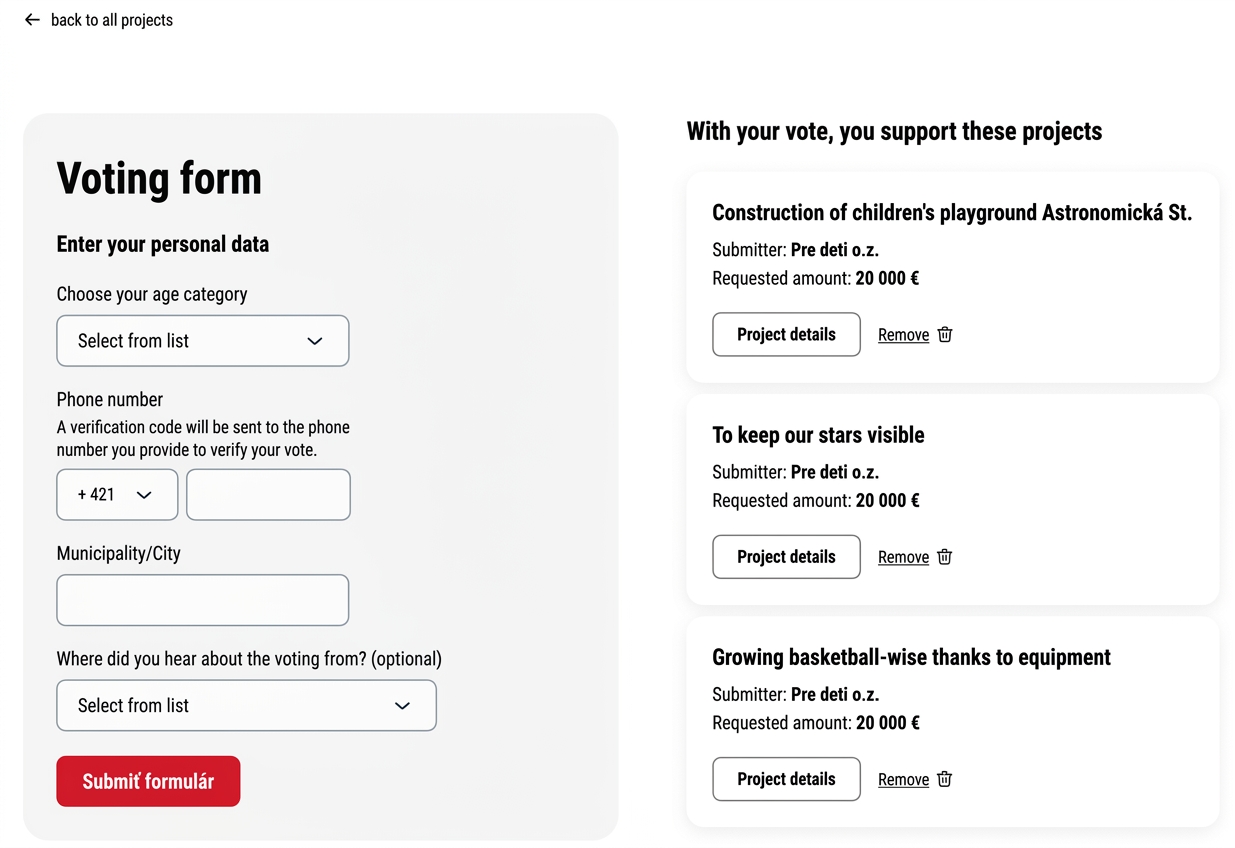
The voter selects the project they want to vote for by clicking the „Vote for this project„.
-
If the voter wants to view a brief annotation of the project, they click the „More about the project„.
This information is also pulled from the application form, and to display it on the page the „annotation tag“ field in the „Settings“ tab of the programme must be filled in correctly.