Print

Returning an application for amendment

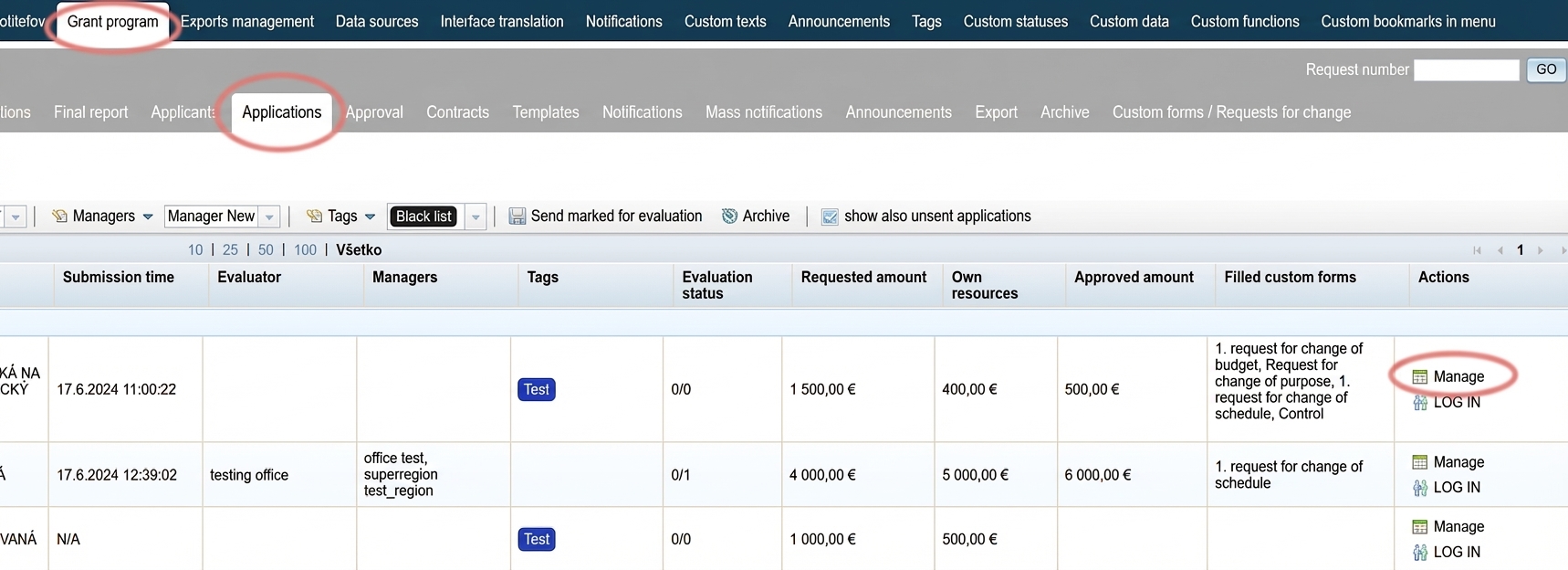
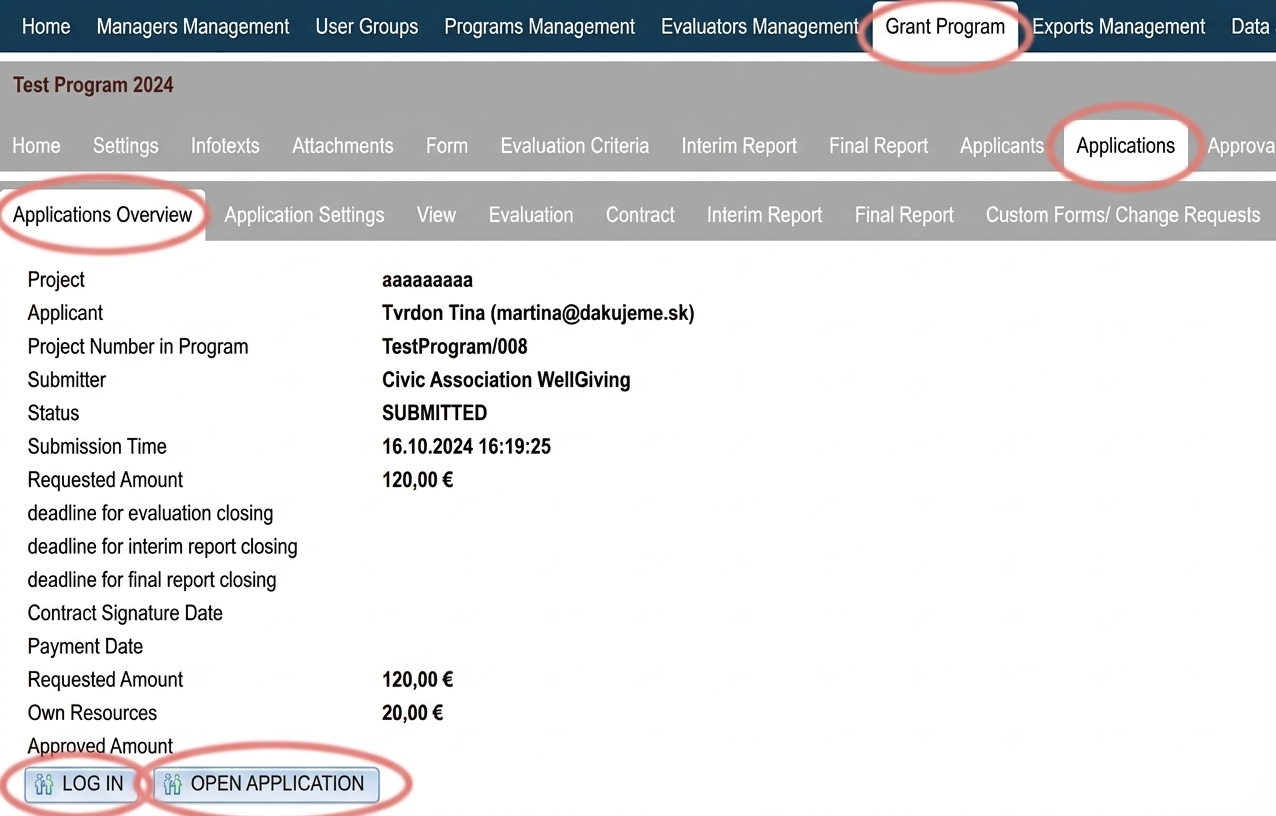
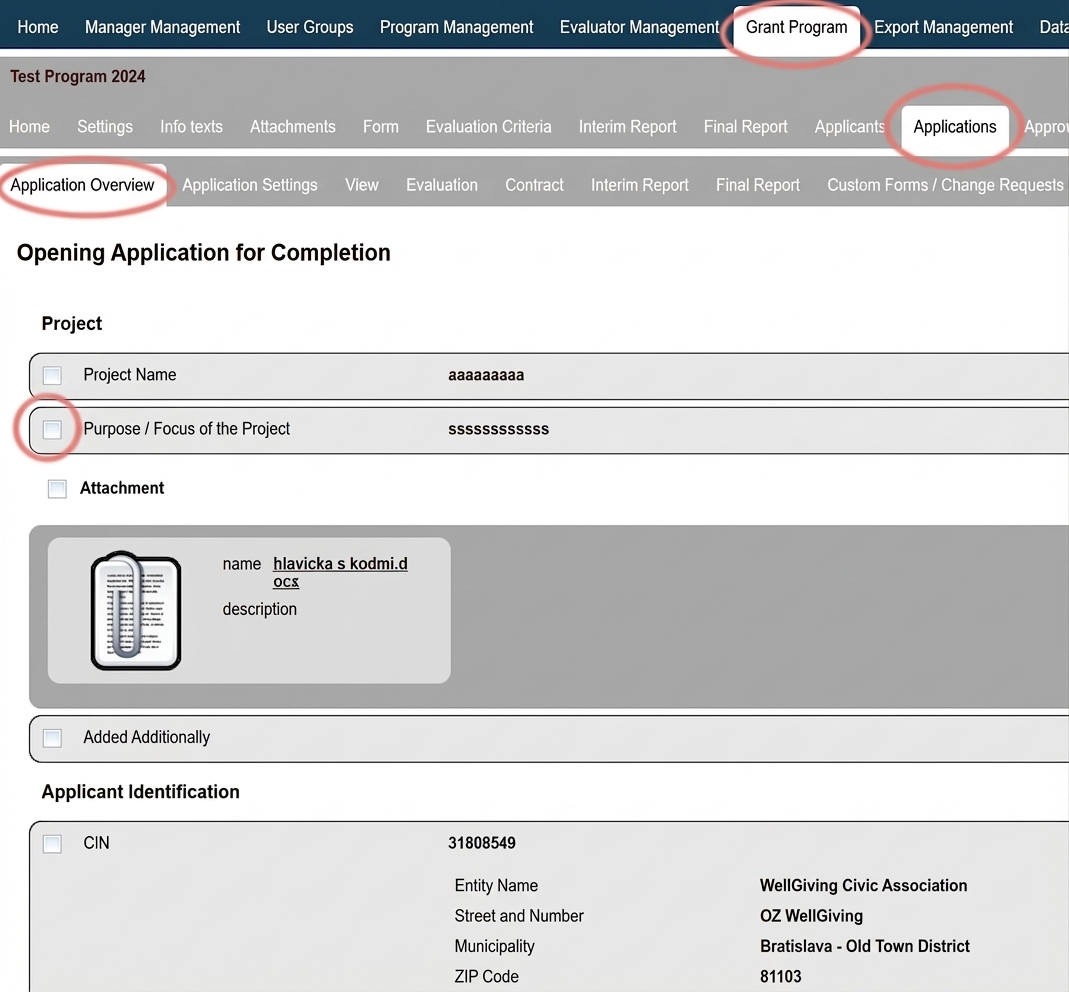
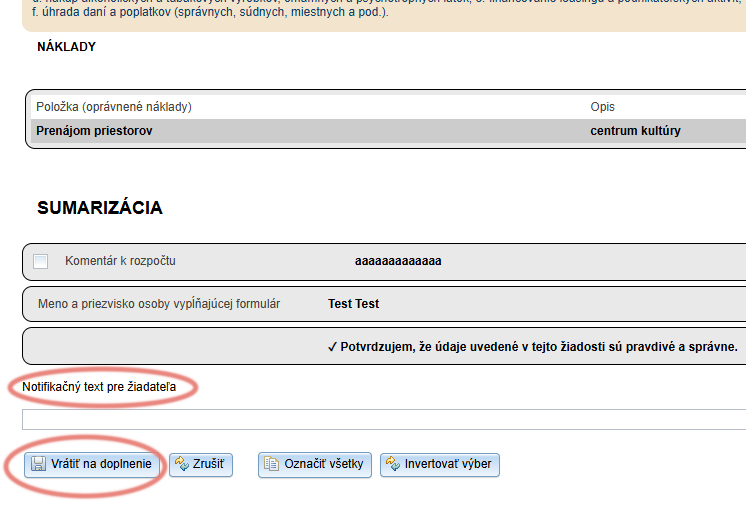
You can return a submitted application to the applicant if changes need to be made.

Warning

If you use electronic signing of applications, after reopening the application the applicant will need to sign it electronically again.

Tip

If you want to ensure that the applicant can only edit the form items you have marked, check “disable amending unmarked items in returned forms” in the “Settings” at the programme level.

After returning the application for amendment

The application status will change to “IN PROGRESS” and the applicant will receive a notification email about the reopening of the application.
The notification email is named “Application reopened ” and you can edit it in the “Notifications” tab.

Warning!

After resubmission of the application, the system will record both the original and the resubmission date.
In the list of applications in the “Applications ” tab, the displayed date is always the original submission date.
The resubmission date can be found in the “Application overview” tab at the application level (opens after clicking the “Manage” button in the list of applications).

Table of Contents
×