Print

Creating access for the manager

Manager access

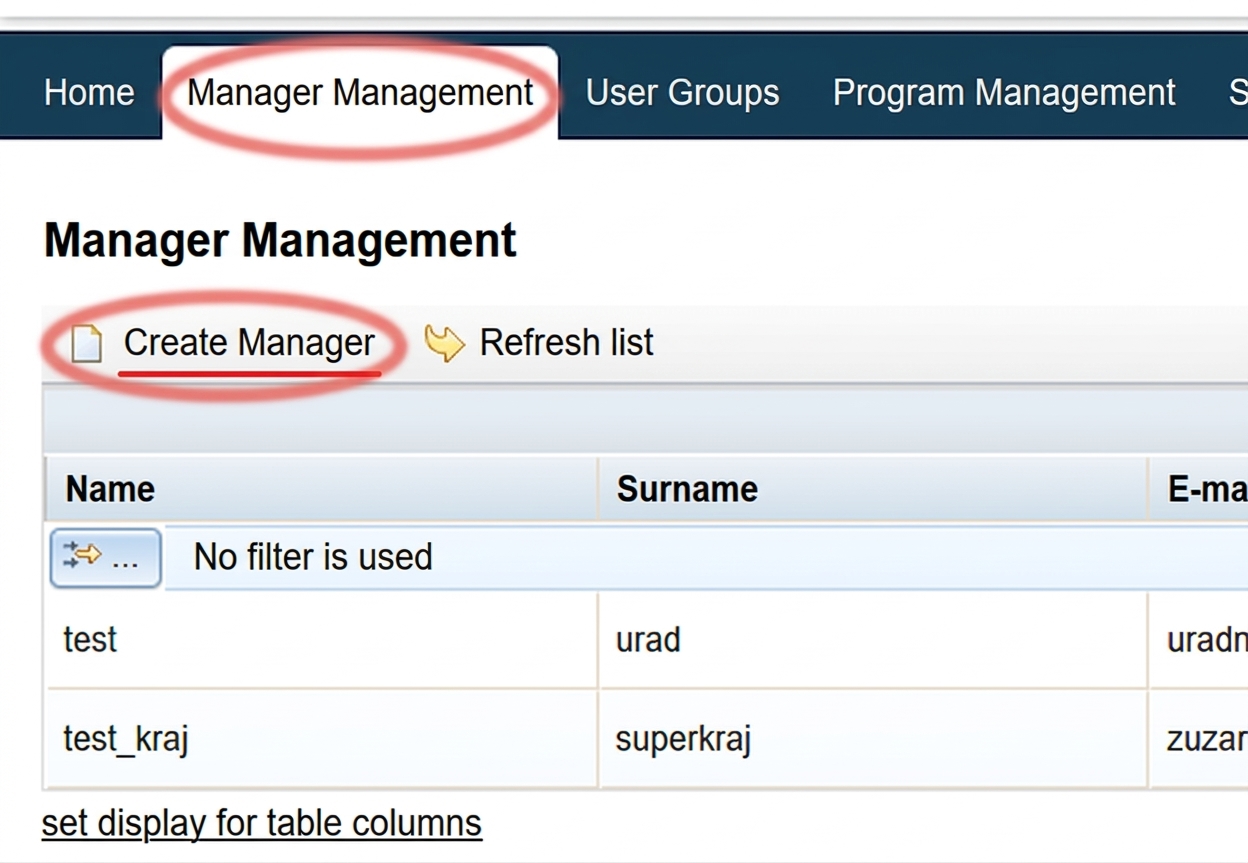
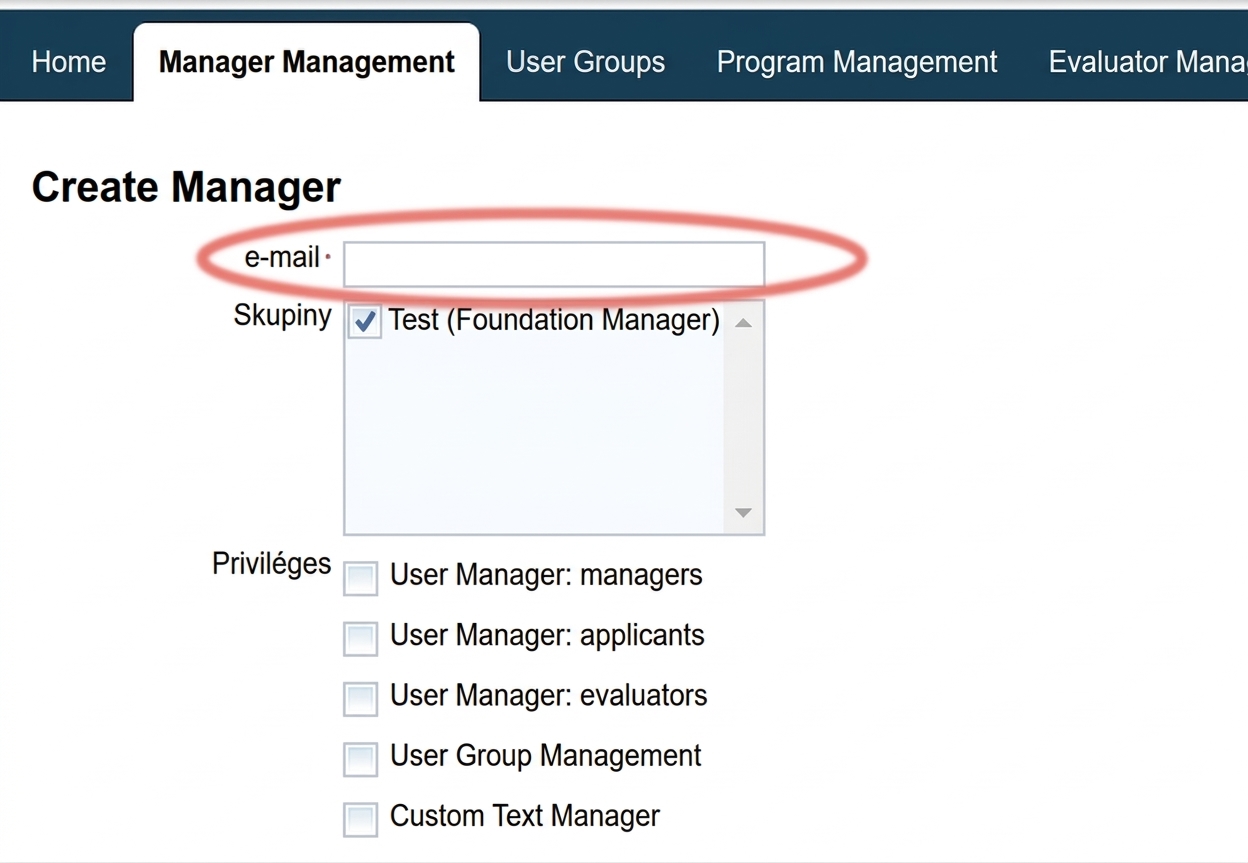
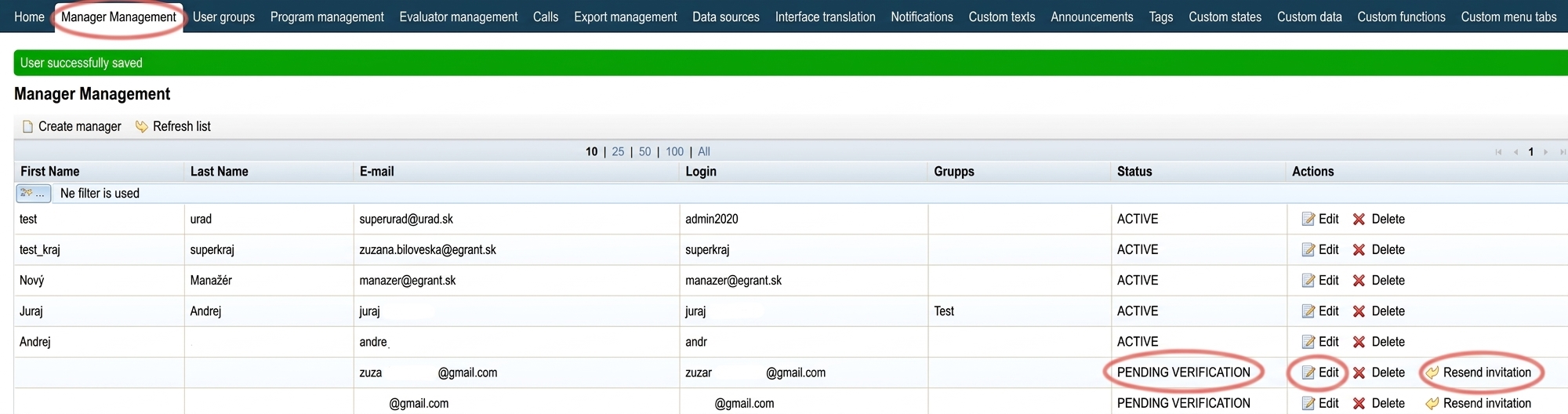
You can create access for a new manager or edit access for existing ones in the „Manager management“ tab in the main menu at the organisation level.

Warning!

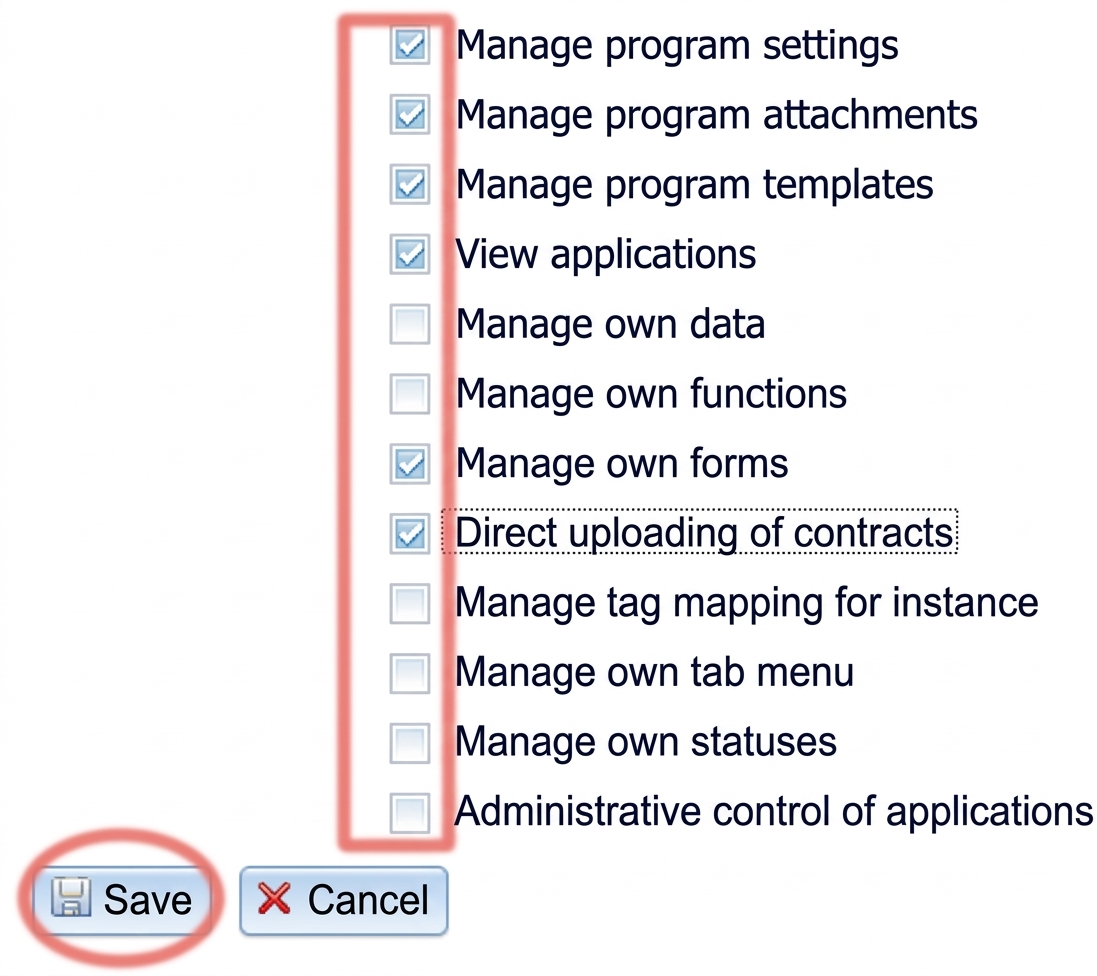
This way you have created an account for the new manager. In order to have access to programmes, you must assign them to a specific programme in the „Programme management“ tab in the main menu.

If the manager has multiple roles

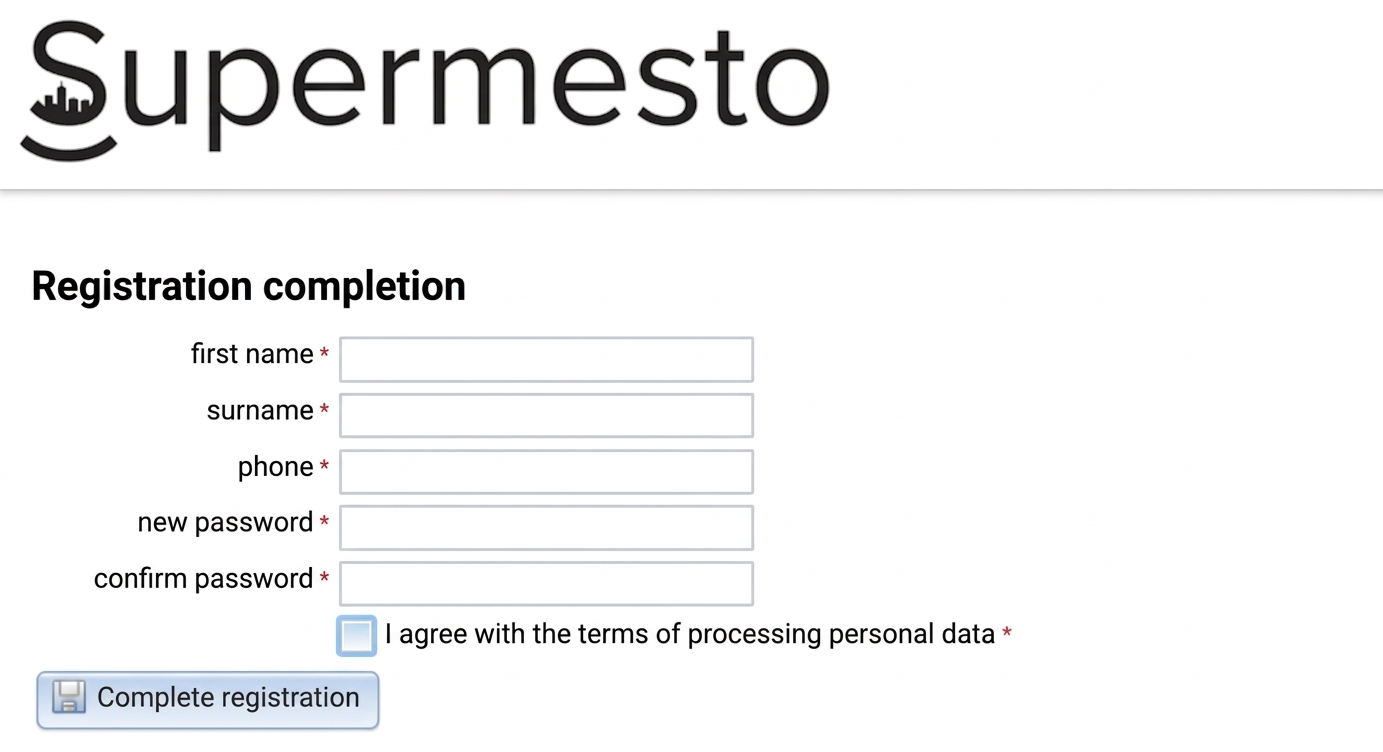
If the manager within one entity has multiple roles (has under the same email an account also as an evaluator/applicant), after entering their email the invitation will not be sent and their manager account will appear in the table immediately as "ACTIVE".

They will use the login credentials (email and password) of the previously created account to log in, and they will switch between roles after logging in in the upper right corner of the screen.
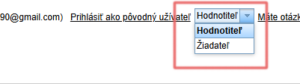
Prepínanie medzi rolami jedného používateľa po prihlásení sa do účtu

User groups

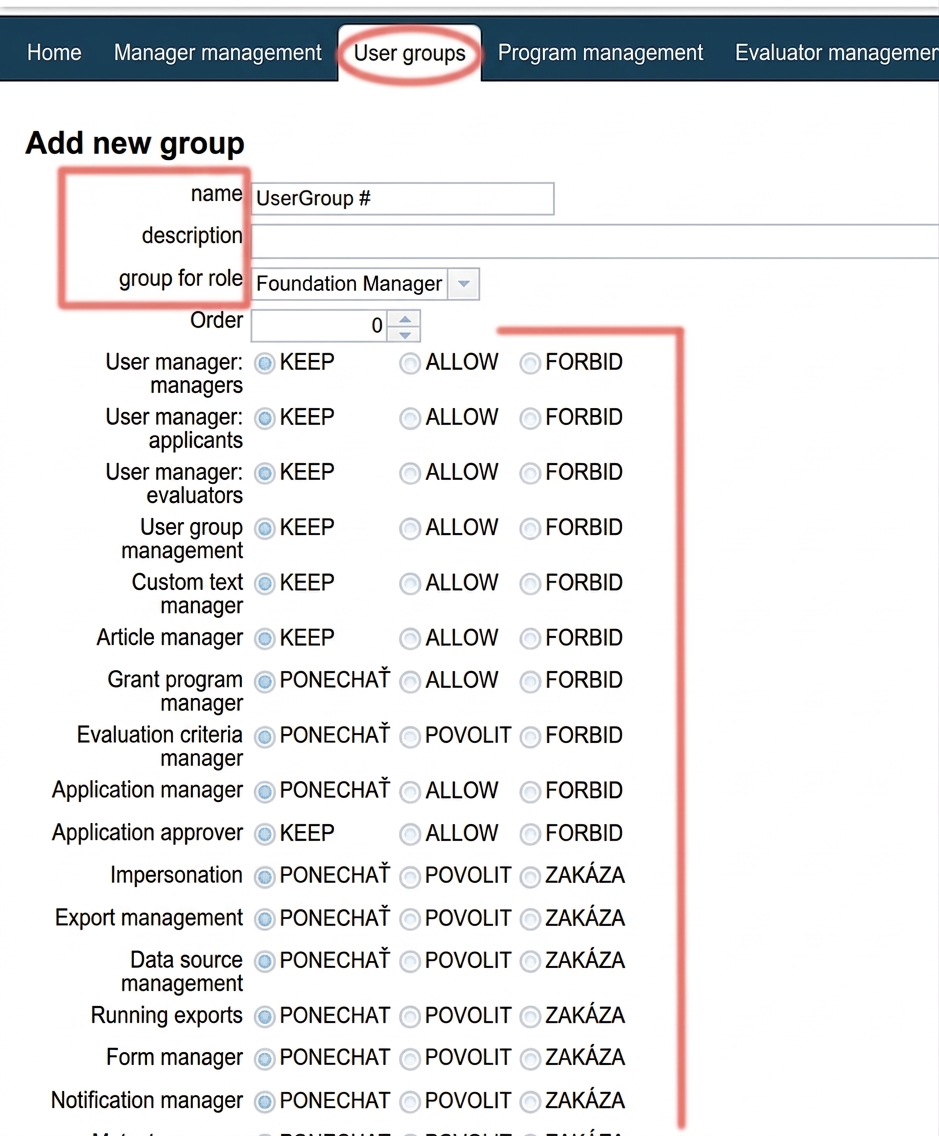
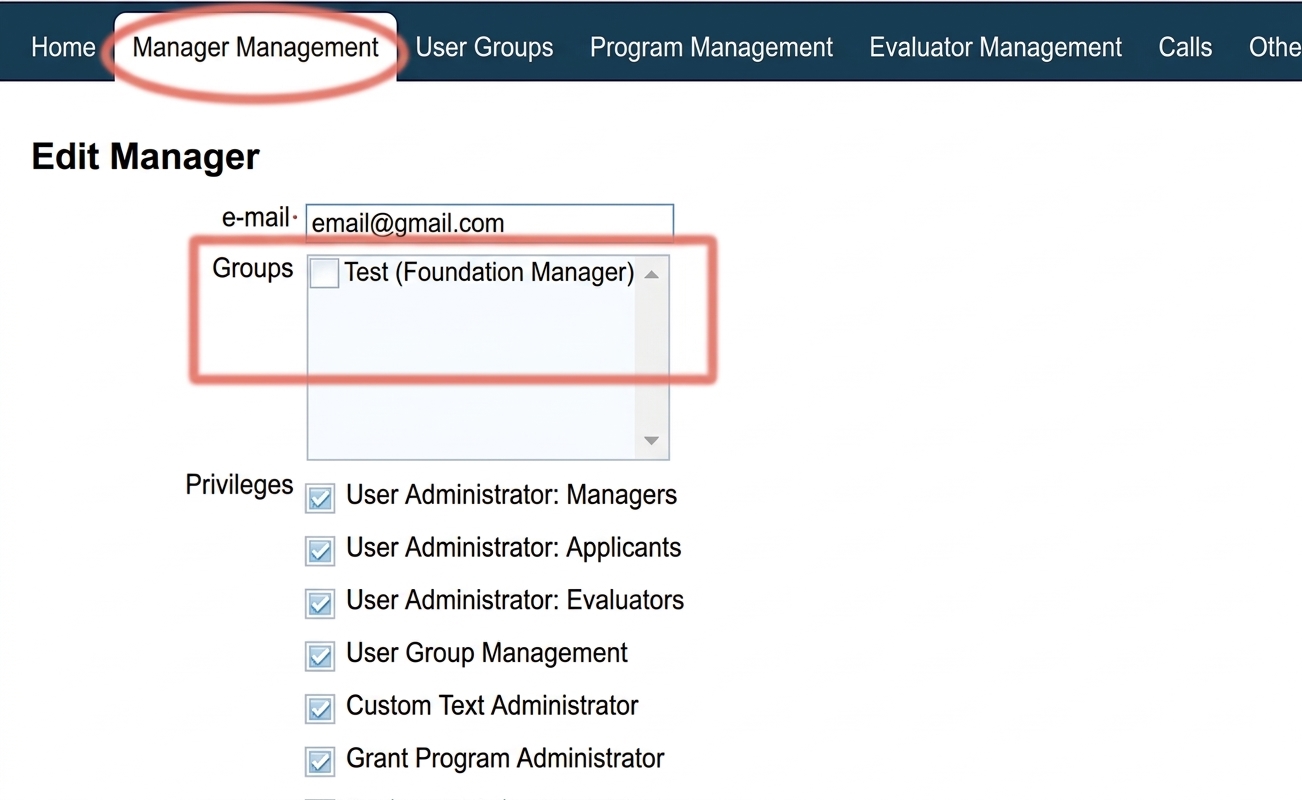
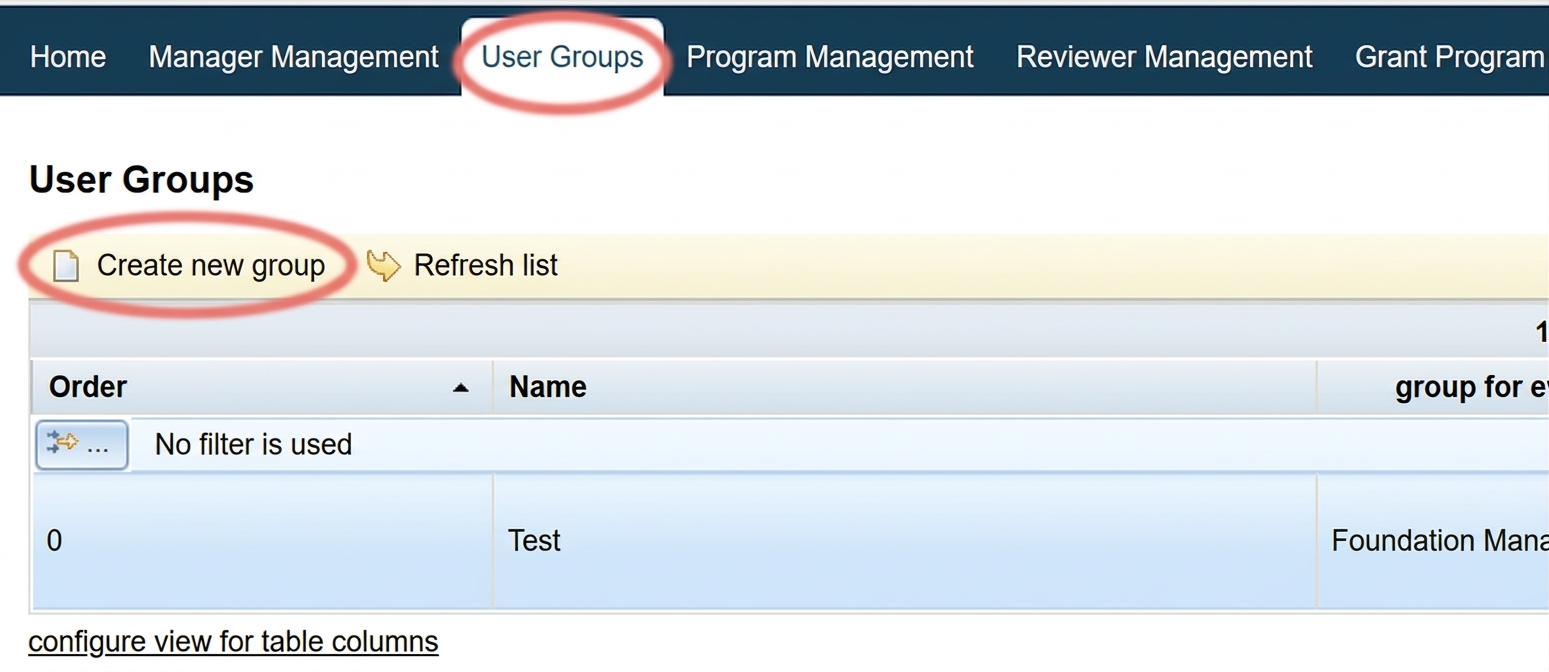
In the „User groups“ tab in the main menu you can define various combinations of privileges for managers (groups). You can then assign individual managers to these groups and set their privileges with a single click.

Table of Contents
×